How Chinese Input Methods Work on Modern Keyboards
Chinese input methods allow you to type thousands of Chinese characters using a standard keyboard designed for the Latin alphabet. This technology bridges the gap between a language with a vast character set and limited keyboard space. Understanding how these methods function is essential for anyone learning the language or working with Chinese text.
This guide breaks down the core principles, the most common systems like Pinyin and Wubi, and how modern software makes the process intuitive. You will learn the step-by-step process of converting keystrokes into characters, the role of predictive algorithms, and which method might suit your learning style.
Simply put, Chinese input methods use a series of keystrokes to represent sounds or strokes of characters, which software then converts into a list of candidate characters for you to select from. The most popular method, Pinyin, uses the Roman alphabet to type the phonetic sound of a character, while other systems are based on character shape or structure.
Key Takeaways
- Chinese input methods solve the problem of typing thousands of characters on a standard keyboard by using phonetic or structural codes.
- The most widely used system is Pinyin, which maps Chinese pronunciation to Latin letters, making it accessible for learners.
- Modern input software uses intelligent prediction and learning to suggest words and phrases, dramatically speeding up typing speed.
- Choosing between phonetic (like Pinyin) and shape-based (like Wubi) methods depends on your learning goals and whether you prioritize ease of use or memorization.
- Mobile devices have revolutionized Chinese typing with swipe-based and handwriting recognition systems that are highly efficient.
What is a Chinese Input Method?
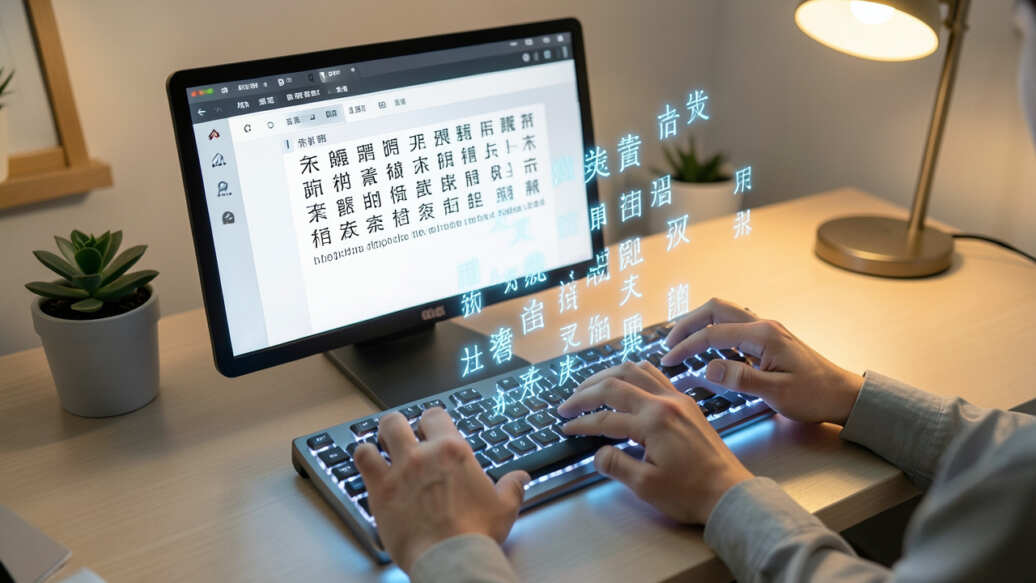
A Chinese input method is a software component that allows a user to enter Chinese characters. Since a standard keyboard has fewer than 100 keys, it cannot have a dedicated key for each of the tens of thousands of characters in Chinese. Input methods act as a translator between your keystrokes and the desired character.
These systems work by interpreting sequences of keystrokes as codes. These codes can represent either the sound (phonetic) of the character or its shape (structural). The software then presents a list of possible matching characters, and you select the correct one.
Core Components of Any Input System
Every Chinese input method shares a few fundamental parts:
- Keystroke Decoder: Interprets the keys you press based on a specific rule set (e.g., Pinyin letters).
- Candidate Window: The pop-up list that shows all the possible characters matching your keystrokes.
- Selection Mechanism: Usually number keys or the spacebar to choose a character from the list.
- Word Prediction Engine: Advanced software that uses context to predict the next likely character or word, not just single characters.
- User Dictionary: Remembers your frequently used words and phrases for faster access.
| Input Type | How It Works | Example Keystrokes for “中国” (China) |
|---|---|---|
| Phonetic (Pinyin) | Types the romanized pronunciation | zhongguo |
| Shape-based (Wubi) | Types codes based on character radicals and strokes | k l (abbreviated) |
| Stroke-based | Types the sequence of basic strokes (horizontal, vertical, etc.) | |┬一丶|┬丶 |
This table shows the fundamental difference in approach between phonetic and shape-based input systems. Your choice will define your entire typing experience.
How Does Pinyin Input Work Step by Step?
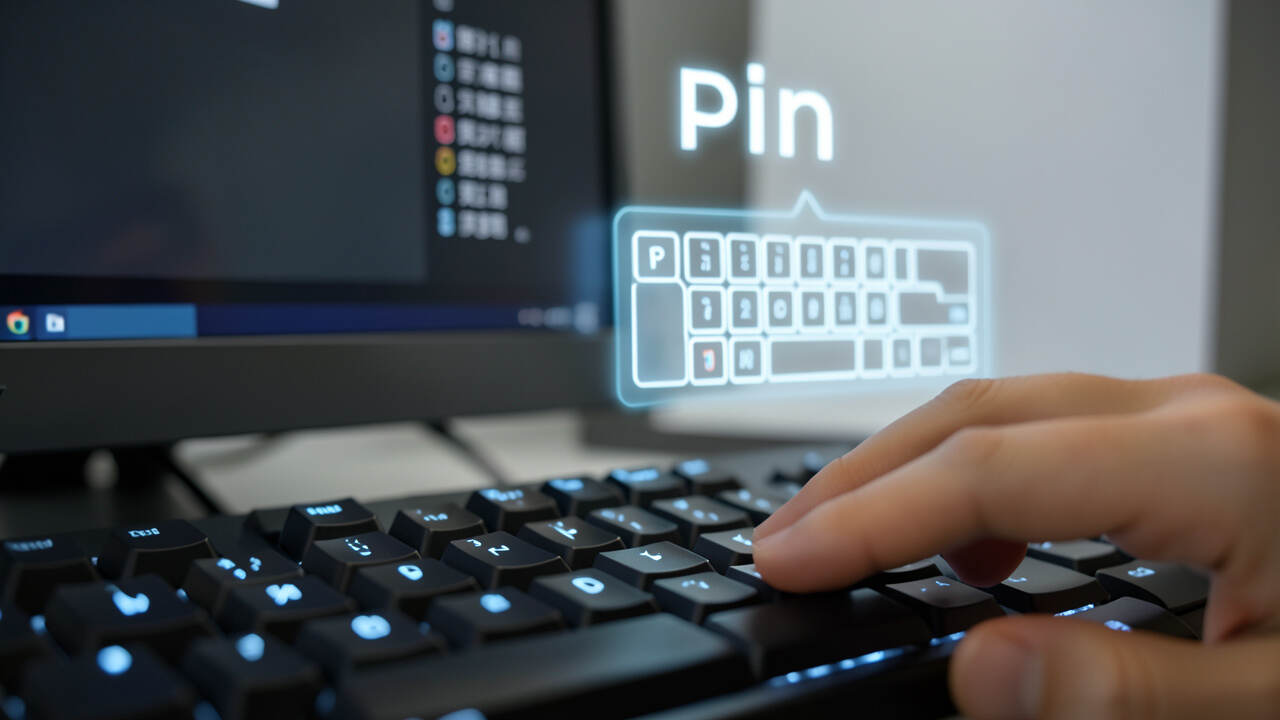
Pinyin is the phonetic system for transcribing Mandarin Chinese into the Roman alphabet. It is by far the most common method for typing Chinese, especially for learners. The process is straightforward once you understand the sequence.
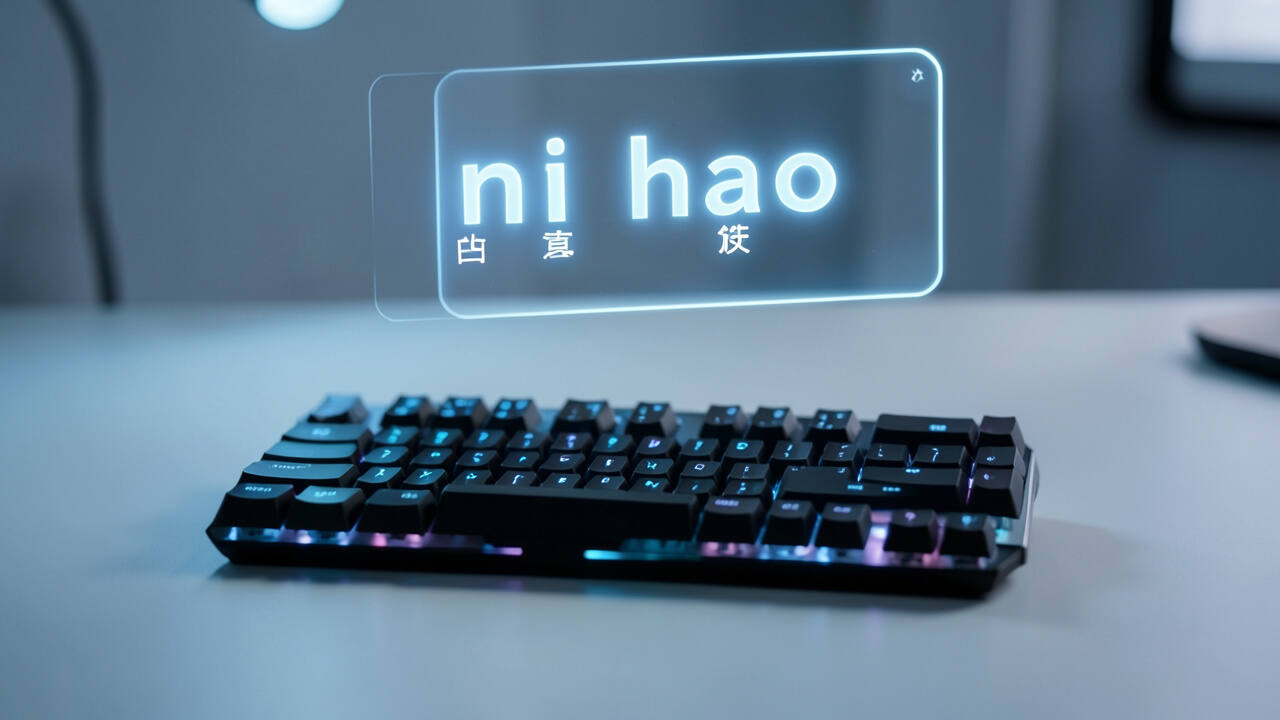
You type the letters that spell the word’s pronunciation, and the software offers the correct character as the top candidate. Let’s walk through typing the word “hello” (你好 – nǐ hǎo).
- Open the Input Method: Activate your Chinese input method (often with Ctrl+Space or a taskbar icon).
- Type the Pinyin: Type the full pinyin for the word. For “你好”, you would type `nihao`. You don’t need to type the tone marks.
- View Candidates: A candidate list appears. Since “nihao” is a very common word, “你好” will almost always be the first option.
- Select the Word: Press the Spacebar or the “1” key to confirm the first candidate. The characters will appear in your document.
Handling Tone Ambiguity and Homophones
The real power of modern Pinyin input is in handling homophones. Chinese has many words that sound the same but are written with different characters. Good software uses word prediction to solve this.
For example, if you type `shi`, you might want the character for “is” (是), “time” (时), “to try” (试), or “matter” (事). The software doesn’t just show all 40+ characters with that sound. Instead, it uses the context of what you’ve already typed.
If you previously typed `wo de` (我的 – my), it will likely suggest “是” first.
Tip: To type faster in Pinyin, learn to type full words or phrases, not just single characters. Type “zhongguo” for 中国 (China), not “zhong” and “guo” separately. This dramatically improves prediction accuracy.
Key Pinyin Rules for Typing
- No Tones Required: You almost never need to type the tone numbers or diacritics. The software predicts based on common usage.
- Use the Spacebar: Press space to confirm the top suggestion. It’s the fastest selection key.
- Use Number Keys: Press 1, 2, 3, etc., to select candidates beyond the first one.
- Backspace Corrects: If you mistype a letter, use backspace to fix it before confirming.
- Full Sentence Input: The best modern tools allow you to type an entire sentence in pinyin with spaces only between clauses. The prediction engine will parse the whole thing.

What Are the Main Types of Chinese Input Methods?
Beyond Pinyin, several other input methods are used, each with its own philosophy and best-use case. They generally fall into three categories: phonetic, shape-based, and hybrid systems.
1. Phonetic Input Methods (Pinyin and Zhuyin)
Phonetic methods are based on the sound of the characters. They are the easiest for beginners to learn, especially those already familiar with the Latin alphabet.
- Hanyu Pinyin: Uses the Roman alphabet. It is the international standard and the most common input method worldwide.
- Zhuyin (Bopomofo): Uses a set of 37 symbols specific to Mandarin phonetics. It is standard in Taiwan and is often considered more precise than Pinyin for disambiguation because it has unique symbols for sounds that Pinyin represents with letter combinations.
2. Shape-Based Input Methods (Wubi and Cangjie)
These methods are based on the visual structure of the character. They require learning a system for decomposing characters into basic components or strokes. They offer the highest potential typing speed for experts but have a steep learning curve.
- Wubi (Wubizixing): Divides characters into 5 basic stroke groups (horizontal, vertical, left-falling, right-falling, and hook). It is extremely popular among professional typists in mainland China because it allows for very fast, tactile typing without looking at the candidate list.
- Cangjie: Popular in Hong Kong and Macau. It decomposes characters into up to 24 basic radicals. It is more logical than Wubi but requires learning more components.
3. Hybrid and Modern Methods
Technology has created new, efficient ways to input Chinese that blend the best of different approaches or use new technologies.
- Stroke Input: Allows you to type the actual strokes of a character in order (horizontal, vertical, etc.) using mapped keys. It’s intuitive but slow for complex characters.
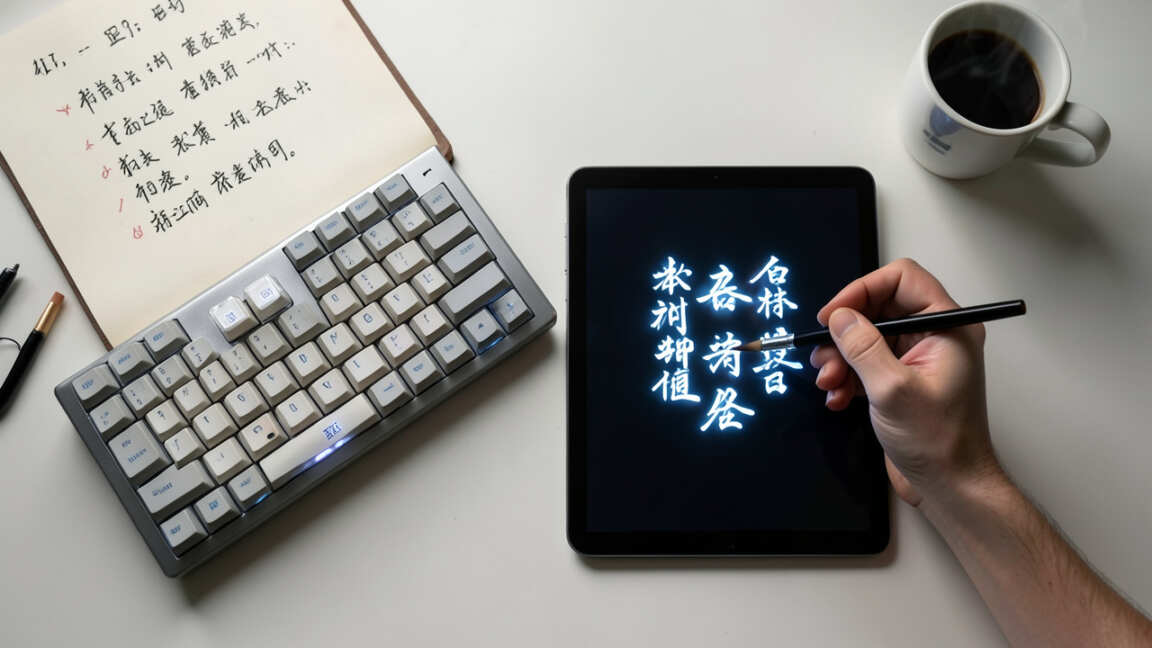
- Handwriting Recognition: Uses a mouse, trackpad, or touchscreen to draw the character directly. The software uses pattern recognition to identify it. Excellent for tablets and phones.
- Swipe Typing (Qwerty + Swipe): On mobile, you swipe your finger over the Pinyin letters of a word. Algorithms predict the intended word, similar to swipe typing in English but with Chinese prediction logic.
- Voice Input: Speaks the words, and the software transcribes them to text. Accuracy is now very high for Mandarin.
| Method | Learning Curve | Speed Potential | Best For |
|---|---|---|---|
| Pinyin | Low | Medium-High | Learners, general use |
| Wubi | High | Very High | Professional typists |
| Handwriting | Very Low | Low | Touchscreen devices, rare characters |
| Voice Input | Very Low | High (for drafting) | Quick drafts, hands-free use |
This comparison highlights the trade-off between initial effort and long-term efficiency. Your personal goals should guide your choice.
How Does the Software Predict My Next Character?
The magic of modern Chinese typing isn’t just in decoding keystrokes; it’s in the intelligent prediction engine. This system works like a more advanced version of your phone’s English text prediction, but for a language with far greater complexity.
When you type, the software considers multiple factors in real-time to build a ranked list of candidate characters and words. It’s a combination of frequency, language models, and personal learning.
The Prediction Algorithm’s Inputs
- Keystroke Sequence: The raw code you enter (e.g., `p-i-n-y-i-n`).
- Language Model: A database of how often characters and words follow each other in the language. For example, after typing `wo` (我 – I), `ai` (爱 – love) is a very probable next word.
- User History: It learns your personal writing style. If you often write about technology, words like “手机” (shǒujī – mobile phone) will rise in the candidate list.
- Context Window: It looks back at the previous several characters to understand the grammatical structure and topic.
From Single Characters to Smart Sentences
Early input methods only predicted single characters. Modern systems use word-based and sentence-based prediction. When you type a string of pinyin, they try to parse it into meaningful words and even complete clauses.
For instance, typing `zhongguofazhanhenkua` might be parsed into “中国发展很快” (China is developing very quickly) as a single, correct candidate. This happens because the software recognizes common word boundaries and phrases, not just individual syllables.
Warning: Don’t rely solely on prediction for learning. If you always select the top candidate without reading, you may miss characters you need to study. Use the candidate list as a learning tool by scrolling through the options.
Who Needs to Understand Chinese Input Methods?
Understanding how these systems work is valuable for several groups of people, not just native speakers. Each group benefits in different ways.
For Language Learners
If you are learning Mandarin, your choice of input method is a critical study tool. Pinyin input directly reinforces your pronunciation knowledge. The act of typing forces you to recall the correct pinyin for a character, strengthening your memory.
It also helps you learn new characters by presenting them in context as you type.
For Professional Typists and Translators
For those whose job involves large volumes of Chinese text, efficiency is everything. Professionals might choose Wubi because its tactile nature allows for touch-typing at high speeds without constant glancing at the candidate window. They invest the upfront time to learn the system for long-term gain.
For Software Developers and Designers
Creating effective Chinese input methods is a major engineering challenge. Developers need to understand linguistic patterns, algorithm design, and user experience. Designers must create candidate interfaces that are clear and easy to navigate, considering the visual density of Chinese characters.
For Anyone Using a Chinese Keyboard
Simply put, if you use a device set to Chinese, you are using an input method. Knowing the basics helps you switch between methods, adjust settings, and troubleshoot when a character won’t appear. It gives you control over your digital communication.
What is the Best Chinese Input Method for Beginners?
For almost every beginner, the answer is unequivocally Pinyin input. It leverages the alphabetic system you already know and provides the shortest path from learning pronunciation to typing actual Chinese text.
The best approach is to use the Pinyin input method as a partner to your studies. When you learn a new character’s sound and meaning, immediately practice typing it. This creates a powerful multi-sensory learning loop: hearing the sound, seeing the character, and physically typing its pinyin.
Setting Up Pinyin Input on Your Device
- Windows: Go to Settings > Time & Language > Language. Add “Chinese (Simplified, China)” or “Chinese (Traditional, Taiwan)”. The Microsoft Pinyin keyboard will be included.
- Mac: Go to System Settings > Keyboard > Input Sources. Click the “+” button and select “Chinese – Simplified” or “Chinese – Traditional”. Choose “Pinyin – Simplified” or “Zhuyin – Traditional”.
- iPhone/iPad: Go to Settings > General > Keyboard > Keyboards > Add New Keyboard. Select “Chinese (Simplified)” or “Chinese (Traditional)” and then “Pinyin” or “Zhuyin”.
- Android: Install “Google Pinyin Input” or “Gboard” from the Play Store. Gboard has excellent built-in Chinese support.
Pro Tips to Accelerate Your Learning with Input
- Type Full Sentences: Don’t just type single words. Write simple sentences about your day. This builds vocabulary in context.
- Use the Candidate List: When a word appears, take a second to look at the 2-3 other common characters for that pinyin. It’s a free mini-lesson.
- Add to Your Dictionary: If you learn a rare word, type it once, and the software will remember it for you next time.
- Practice Without Tones: Initially, ignore tones in your pinyin input. Once comfortable, you can learn to use tone numbers for disambiguation (e.g., `shi4` for 是).
How Has Mobile Technology Changed Chinese Input?
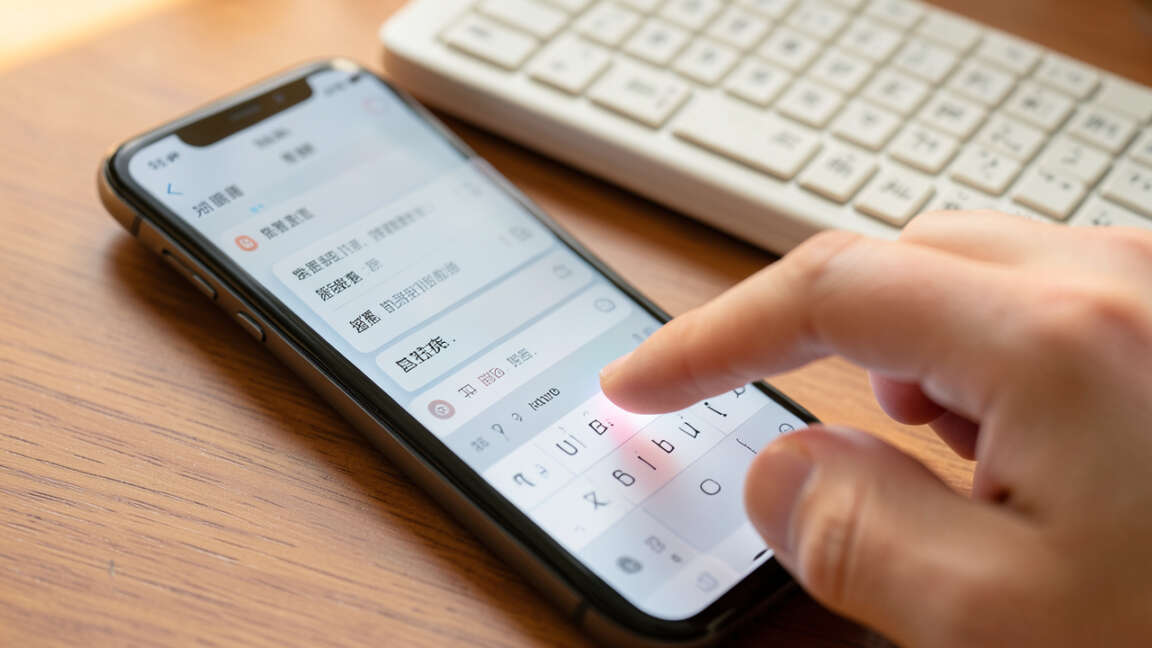
Smartphones have fundamentally transformed how we type Chinese, moving beyond the constraints of a physical keyboard. The touchscreen and powerful processors in mobile devices enabled new, more direct input methods.
First, handwriting recognition became practical on a large scale. Drawing a character with a finger is an intuitive act, especially for complex characters. Second, touchscreens allowed for larger, more dynamic candidate selection areas, improving usability.
The Rise of Swipe and Intelligent Keyboards
The most significant mobile innovation is the integration of swipe-based typing with Pinyin. Instead of tapping each letter of a word’s pinyin, you slide your finger over the keys. Algorithms then deduce the most likely word path, combining gesture recognition with language prediction.
Mobile keyboards like Gboard and the default iOS keyboard are now “cloud-connected.” They can use anonymized data from millions of users to improve prediction models and suggest trending words, making them incredibly smart over time.
Voice Input: A Game-Changer for Mobile
Voice-to-text for Chinese has achieved remarkable accuracy. On a mobile device, it offers a fast, hands-free alternative to typing. This is especially useful for composing long messages, taking notes while walking, or for users who find typing small keys difficult.
The technology works by processing your speech through deep learning models trained on vast amounts of Mandarin audio.
| Mobile Feature | How It Works | User Benefit |
|---|---|---|
| Swipe Typing | Gesture path recognition + word prediction | Faster one-handed typing |
| AI Autocorrect | Context-aware correction based on language models | Reduces typos and selection errors |
| Cloud Prediction | Uses aggregated typing data to suggest popular words | Keeps language current and efficient |
| Multilingual Support | Seamless switching between languages in one keyboard | Ideal for bilingual users |
These features collectively make mobile Chinese input not just possible, but often more efficient than desktop typing for casual communication.
Frequently Asked Questions
Is Pinyin input considered “cheating” for learning Chinese?
No, Pinyin input is a legitimate and valuable learning tool, not a shortcut that bypasses learning. It actively reinforces your knowledge of character pronunciation (pinyin) and helps you learn new characters in context. It is a standard part of modern Chinese language education and daily life.
Can I use Chinese input methods on any computer?
Yes, all major operating systems (Windows, macOS, Linux) and mobile platforms (iOS, Android) have built-in support for at least one Chinese input method, typically Pinyin. You may need to add the Chinese language pack or keyboard in your system settings to enable it.
How fast can you type with Wubi compared to Pinyin?
Expert Wubi typists can achieve higher raw typing speeds than Pinyin experts because Wubi has a lower rate of homophone confusion and can be typed without looking at the screen. However, the learning curve for Wubi is very steep. For the average user, Pinyin with good prediction is more than fast enough.
Why do some characters not appear when I type their pinyin?
This is usually due to the tone. The character you want may be a different tone than the one the prediction engine is suggesting first. You can often find it by typing the tone number after the pinyin (e.g., `shi4` for 是, `shi2` for 时).
Scrolling through the candidate list with the Page Down key will also reveal less common characters.
Are there privacy concerns with cloud-based input methods?
Like any cloud-connected service, there is a balance between functionality and privacy. Reputable input methods (from Google, Apple, Microsoft) state they anonymize data. You can often disable cloud features in settings if you are concerned.
For sensitive documents, consider using an offline input method.
Final Thoughts
The technology behind Chinese input methods is a fascinating blend of linguistics and computer science. From the phonetic simplicity of Pinyin to the structural logic of Wubi, these systems unlock the ability to communicate in one of the world’s most widely spoken languages using a universal keyboard.
For beginners, starting with Pinyin is the most logical and rewarding path. As you progress, you can explore more advanced methods or leverage mobile’s innovative swipe and voice tools. The key is to choose a method that supports your goals and to practice consistently.